
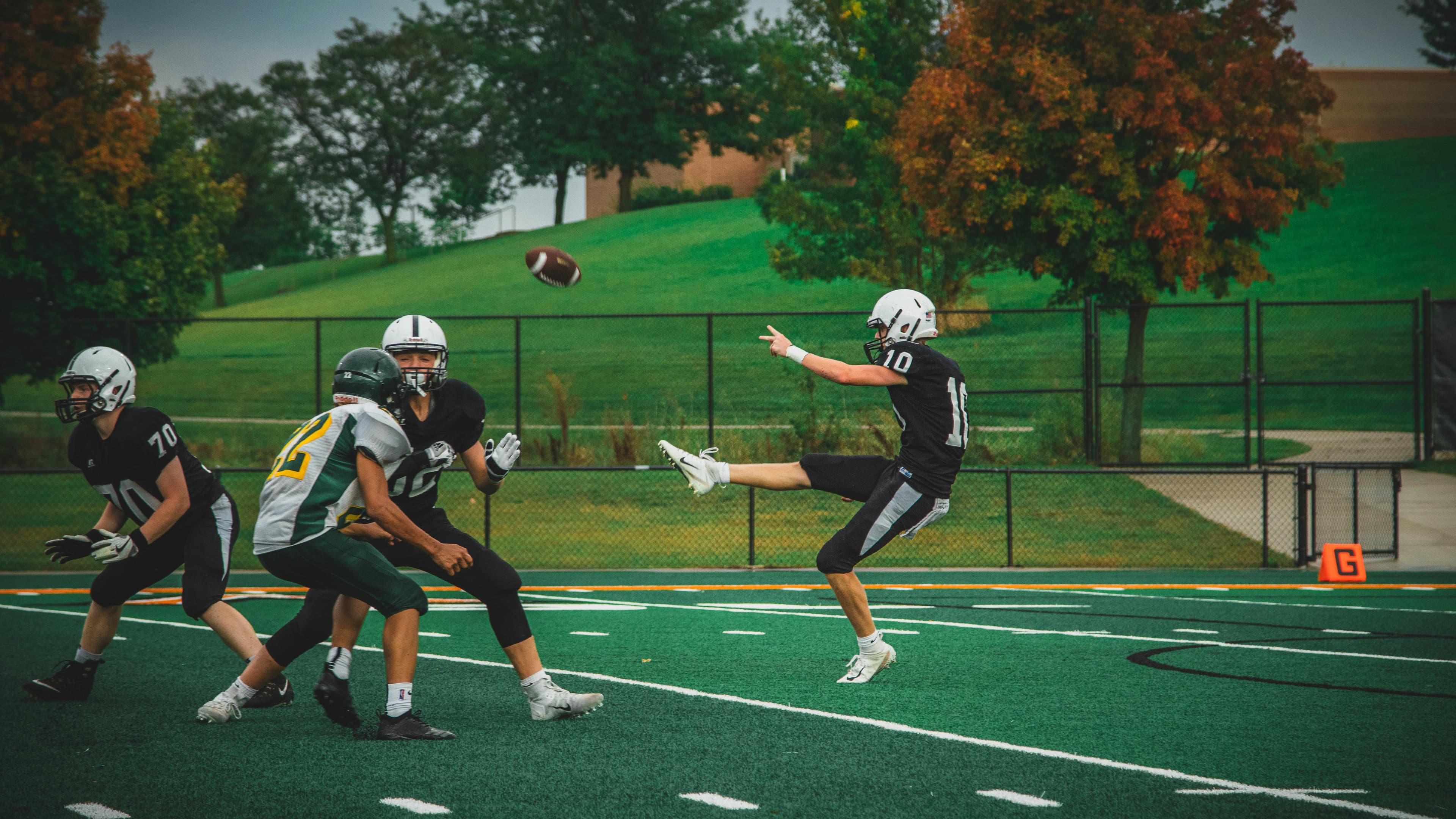
Live streaming for sports and esports without the usual chaos
Stream games, matches, tournaments, and scrims across multiple platforms from one setup
Castream helps sports teams, youth leagues, schools, clubs, and esports organizations live stream to YouTube, Facebook, Twitch, school sites, and RTMP destinations while keeping the workflow easier to manage.
- 1
Multistream live sports and esports events to YouTube, Facebook, Twitch, school sites, and custom RTMP destinations from one workflow.
- 2
Use OBS or mobile for field, court, gym, arena, practice, or tournament streaming.
- 3
Keep fan interaction in one place with unified chat across supported destinations.
- 4
Support repeatable game day workflows for matches, scrims, tournaments, showcases, and community events.
Why sports teams and esports clubs use live streaming
Live streaming helps teams reach families, fans, alumni, communities, and supporters who cannot be there in person. It also helps clubs build consistency across home games, away games, tournaments, showcases, and special events without rebuilding the workflow every single time.
That is useful for:
- school sports programs
- youth leagues
- rec leagues
- local clubs
- amateur teams
- esports teams and scrim groups
- tournament organizers
- community sports organizations
Typical sports streaming setup
- 01Use OBS, a switcher, or Castream mobile to capture the game.
- 02Connect YouTube, Facebook, Twitch, school websites, and RTMP destinations.
- 03Send one stream into Castream and distribute it to every audience at once.
- 04Use the same setup for regular season games, tournaments, and special events.
Built for different event types
- Local games, school sports, and youth league broadcasts.
- Tournaments, playoffs, scrimmages, and showcases.
- Esports matches, scrims, and bracket events.
- Community athletics, club events, and gym-based competitions.
Stream sports games and esports matches to multiple platforms
Sports audiences are scattered. Some families watch on Facebook, some supporters prefer YouTube, some esports viewers show up on Twitch, and some organizations need a school site or private RTMP destination.
Castream makes that simpler by letting you send one event feed in and distribute it out wherever your audience already is.
One game feed, multiple destinations
Send one sports or esports stream into Castream and distribute it to multiple platforms without building separate live workflows for each one.
Works for field, court, gym, arena, and desk setups
Use OBS or a switcher for a more produced setup, or use mobile when you need something lighter and faster for local events.
Useful for score overlays and event graphics
Use OBS overlays or your existing graphics workflow for scoreboards, team names, clocks, sponsors, and event branding.
Better fan and community interaction
Unified chat helps teams, moderators, and event staff keep comments in one place instead of jumping across multiple platforms.
Best use cases for sports and esports live streaming
School sports and youth league streaming
- Stream basketball, soccer, volleyball, baseball, football, and other local games.
- Reach parents, families, alumni, and supporters across multiple platforms.
- Use a repeatable workflow for regular season and tournament play.
Esports matches and scrims
- Broadcast scrims, league matches, tournaments, and finals.
- Use Twitch, YouTube, and other destinations from one setup.
- Keep moderators and fan interaction more organized during live matches.
Score overlays and event presentation
A sports stream usually needs more than just video. You often want:
- scoreboards
- team names
- sponsor graphics
- match titles
- clocks or game-state visuals
- event branding
Castream works with OBS-based workflows so you can use the overlays and graphics you already rely on for game day.
Unified chat for fans, families, and communities
One nice thing about sports and esports live streaming is how many people want to react in real time. Parents, alumni, students, fans, and communities can all show up from different platforms at once.
Unified chat helps you:
- keep comments in one place
- make moderation simpler
- track reactions during key moments
- avoid opening separate chat dashboards for every destination
That is especially useful for clubs and schools with smaller volunteer teams.
Sports and esports live stream checklist
| Need | Castream solution |
|---|---|
| Stream to YouTube, Facebook, Twitch, and RTMP | Multistream from one workflow |
| School site or private destination support | RTMP destination support |
| OBS or switcher compatibility | Works with desktop production workflows |
| Mobile option for lighter events | Native mobile streaming support |
| Score overlays and graphics | Overlay-friendly OBS-based workflows |
| Fan interaction | Unified chat across destinations |
| Repeatable game day setup | One input and one distribution path |
Tips for better sports and esports streams
- 01Keep titles specific, such as Varsity Basketball vs Lincoln High, Spring Tournament Match 3, or Club Scrim Night Finals.
- 02Use simple overlays for score, teams, and event branding instead of turning the whole screen into a crowded carnival.
- 03Assign one volunteer or moderator to monitor chat and capture notable moments during the game.
- 04Test audio before every event because a great game with cursed audio still feels busted.
- 05Use the same stream workflow each week so teams, staff, and volunteers are not reinventing the wheel on every match day.
FAQs about sports and esports live streaming
Can I stream local sports games to YouTube and Facebook at the same time?
Yes. Castream lets you send one live game feed to multiple destinations from a single workflow.
Does this work for youth sports and school sports?
Yes. It can be used for school programs, youth leagues, rec leagues, local clubs, and other community sports organizations.
Can esports clubs use this too?
Yes. Castream also works for esports teams, scrims, tournaments, league matches, and competitive gaming events.
Do I need a full production setup?
No. You can use OBS or a switcher for a more produced stream, or use mobile when you need a lighter and faster setup for local events.
Need help setting up your game day workflow?
We can help you plan a multistream setup for sports games, tournaments, school events, and esports matches.
support@castream.io